
Top 3 Nutrient Monitoring Tools for Health Alternatives 2026


Tracking specific nutrient intake at the micronutrient level is difficult for individuals relying on basic calorie or macro-focused tools. Many nutrition apps stop at calorie or macro reporting, lock advanced features behind subscriptions, or lack verified micronutrient data. This comparison covers bimi.app, Cronometer, and MyNetDiary so individuals can select a nutrition tracking app that fits their need for detailed nutrient tracking without wasted trials.
Table of Contents
Bimi
At a Glance
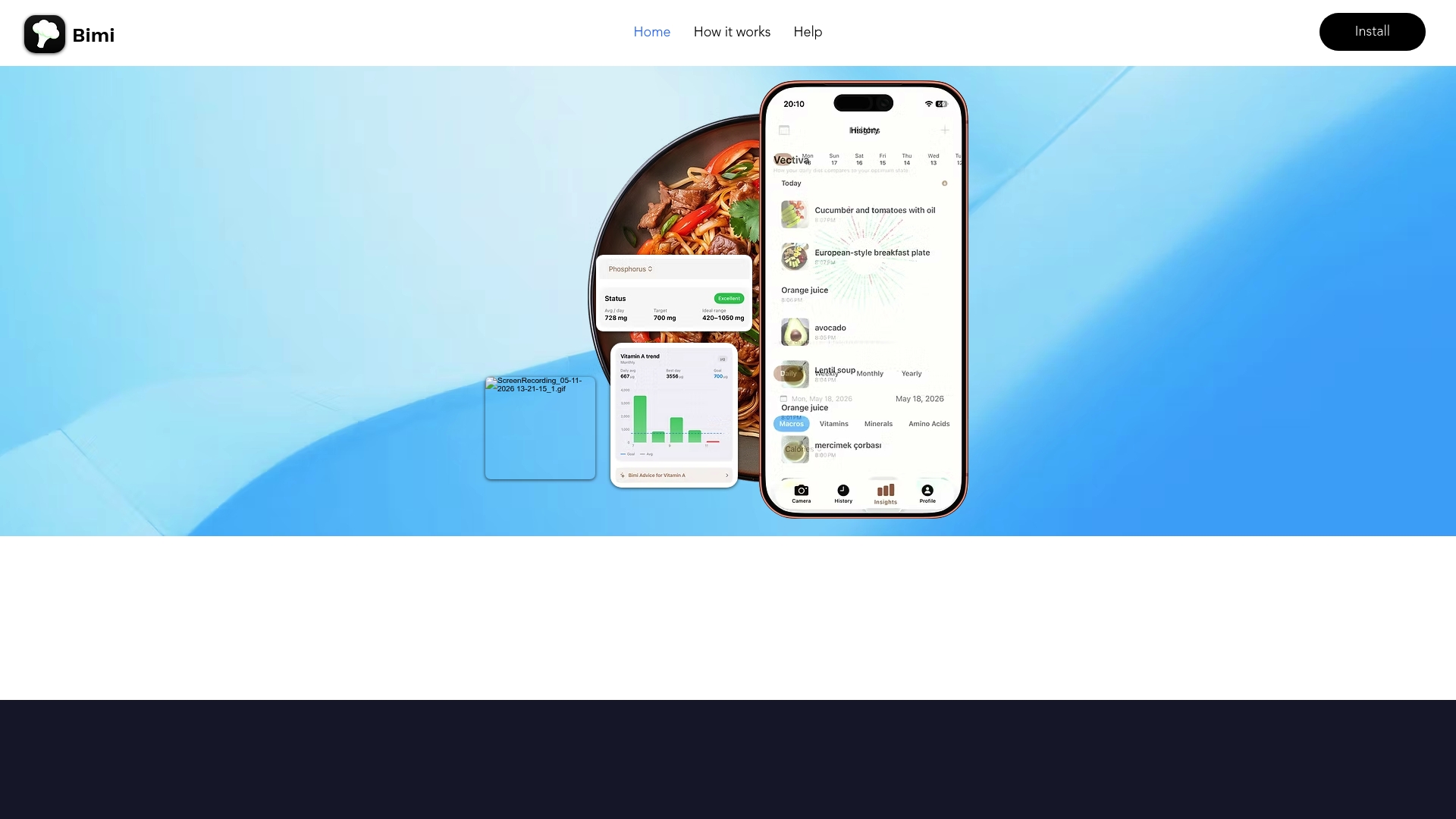
Tracks more than 60 nutrients, including amino acids and fatty acids, rather than stopping at macros. The app identifies foods from photos and estimates portion sizes to generate nutrient reports. The mobile app is available for free on iOS, though several site pages show broken links that limit full verification.
Core Features
Bimi combines photo based food recognition with meal tracking and nutrient analysis. It uses AI powered image analysis to identify ingredients and estimate portion sizes, then maps those inputs to vitamin, mineral, amino acid, fatty acid, and macronutrient data. The app stores meals locally in a Meals Vault so you can review trends and export simple reports.
Key Differentiator
The single feature that separates Bimi from basic calorie trackers is its pairing of photo based food ID with deep nutrient coverage down to amino acids and fatty acids. That mix turns a meal photo into a multi nutrient report rather than a single calorie or macronutrient estimate. The combination helps you find micronutrient gaps that typical trackers miss.
Pros
Bimi reports nutrient details that go past macros into amino acids, fatty acids, vitamins, and minerals. The AI powered recognition speeds data entry by letting you photograph a plate and get portion estimates instead of manual logging. Personalized recommendations adjust to your age, weight, BMI, and activity level so the guidance aligns with your profile. The local Meals Vault makes it easy to save meals on your device, check trends over time, and generate simple reports for your records. The built in AI chat assistant ‘Ask Bimi’ answers nutrition questions and helps troubleshoot entries.
Cons
Several pages and features are inaccessible because of broken links and missing site content, which limits full feature discovery and usability testing.
Who It’s For
People who want micronutrient level clarity rather than just calories or carbs. This fits health conscious individuals tracking vitamins, minerals, amino acids, or fatty acids for deficiency prevention or therapeutic diets. It also suits anyone who prefers photographing meals over typing ingredients and portion sizes.
Unique Value Proposition
The standout economic and workflow benefit is time saved on logging combined with richer nutrient data. Photograph a meal and you skip manual entry while receiving a detailed nutrient profile that supports targeted adjustments. That reduces ongoing tracking friction and sends clearer signals when you need to add specific nutrients to meals.
Real World Use Case
A person photographing lunch gets an immediate nutrient breakdown that highlights low iron and vitamin D for that day. They store the meal in Meals Vault and review weekly trends to see whether those shortfalls recur. The user then asks ‘Ask Bimi’ for food swaps that raise iron and saves the new meal into the vault for comparison.
Website: https://bimiapp.info
Cronometer
At a Glance
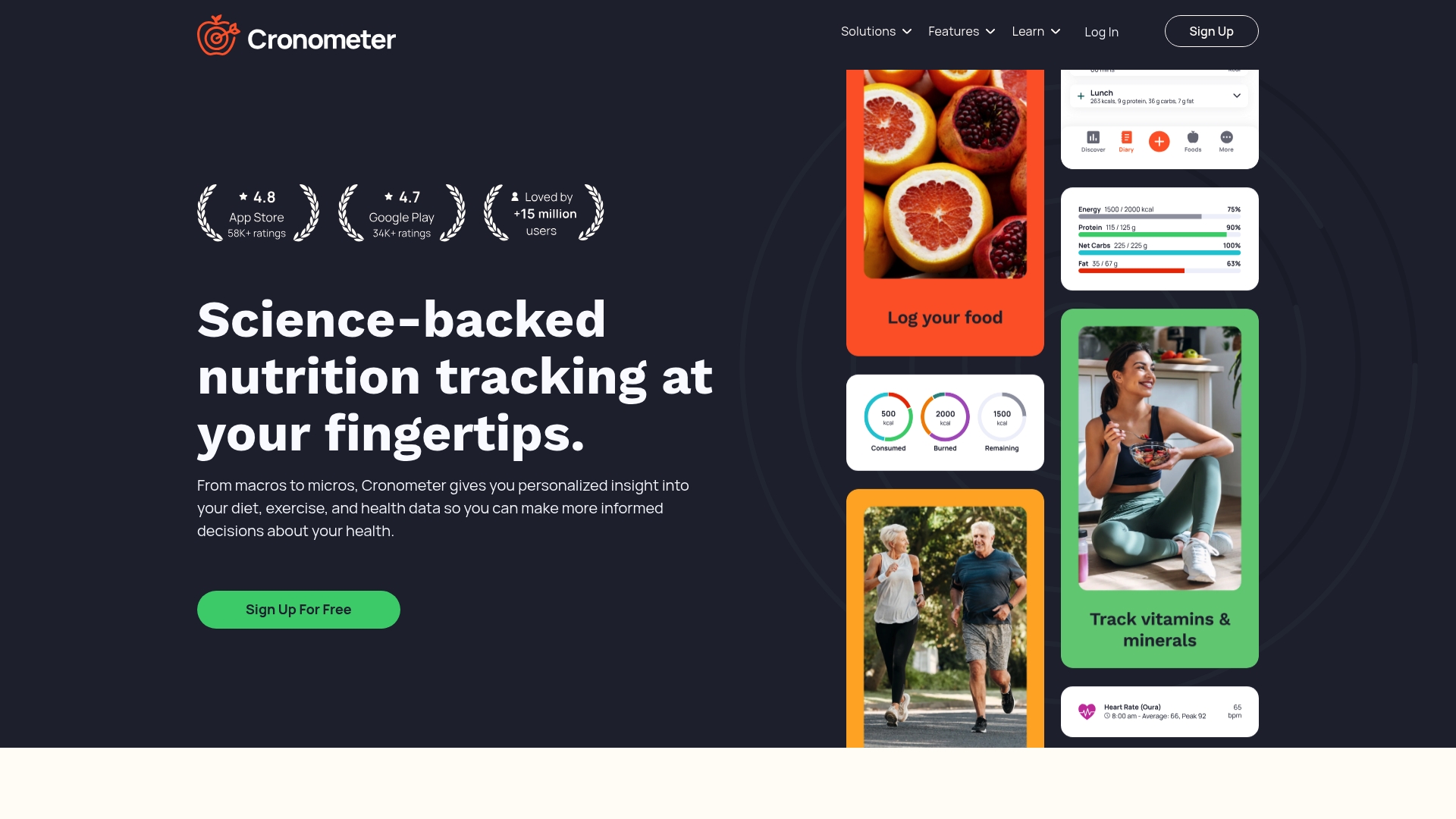
Cronometer reports millions of users worldwide. The app pairs food logging with biometric tracking and a nutrient database built from lab sources. That focus makes micronutrient visibility practical for people monitoring vitamins, minerals, and fatty acids.
Core Features
Cronometer captures micro and macro nutrients and links them to biometrics and activity data. You can log food by barcode, photo, voice, or manual entry, and save custom recipes and scheduled meals. The app also syncs with devices and includes a fasting timer and repeat item automation for regular tracking.
Key Differentiator
Cronometer centers its analysis on lab-analyzed nutrient data and verified entries. That emphasis supports deeper micronutrient breakdown than most calorie-only trackers. Professional tools scale the same database for client reports and clinical-style analysis.
Pros
The database uses verified sources, which improves trust when you check vitamin and mineral totals. Multiple logging methods, including AI photo logging and voice input, reduce friction for daily entries. Device syncing with popular trackers ties nutrition to activity and biometrics for a fuller view of health.
Cons
Many advanced analysis features live behind a paid plan, so you will pay for professional reporting and extra tools.
The Gold membership is required for an ad free experience and premium features, which means ongoing cost for full functionality.
Professionals who need white label branding will find limited options for custom client-facing interfaces.
When It May Not Fit
If you want all features without a subscription, Cronometer will feel limiting because key tools require payment. Practices needing white label client portals will need a different solution. Teams that require built in time tracking or billing may find Cronometer misses those workflow elements.
Notable Integrations
Cronometer connects to major health platforms and devices. Integrations include Apple Health, Google Fit, Fitbit, Withings, Oura, Garmin, Samsung Health, and Keto Mojo. These links let you import activity, weight, and glucometer or meter readings where supported.
Who It’s For
Individuals focused on nutrient density rather than just calories will get the most value. Registered dietitians and nutritionists who deliver detailed nutrient reports can use the Pro features for client work. People managing chronic conditions who need accurate micronutrient tracking will also benefit.
Real World Use Case
A person on a vegan diet tracks daily intake and biometrics to verify B12 and iron targets. A nutritionist exports client nutrient reports and checks trends across blood markers and logged meals. Both rely on the verified database to compare food choices against micronutrient goals.
Pricing
Cronometer offers a free tier and a Gold subscription. The vendor lists Gold at $4.99/month or $10.99/month billed annually, which unlocks premium features and an ad free experience. Cronometer Pro provides additional professional tools for clinicians and private practices.
Website: https://cronometer.com
MyNetDiary
At a Glance
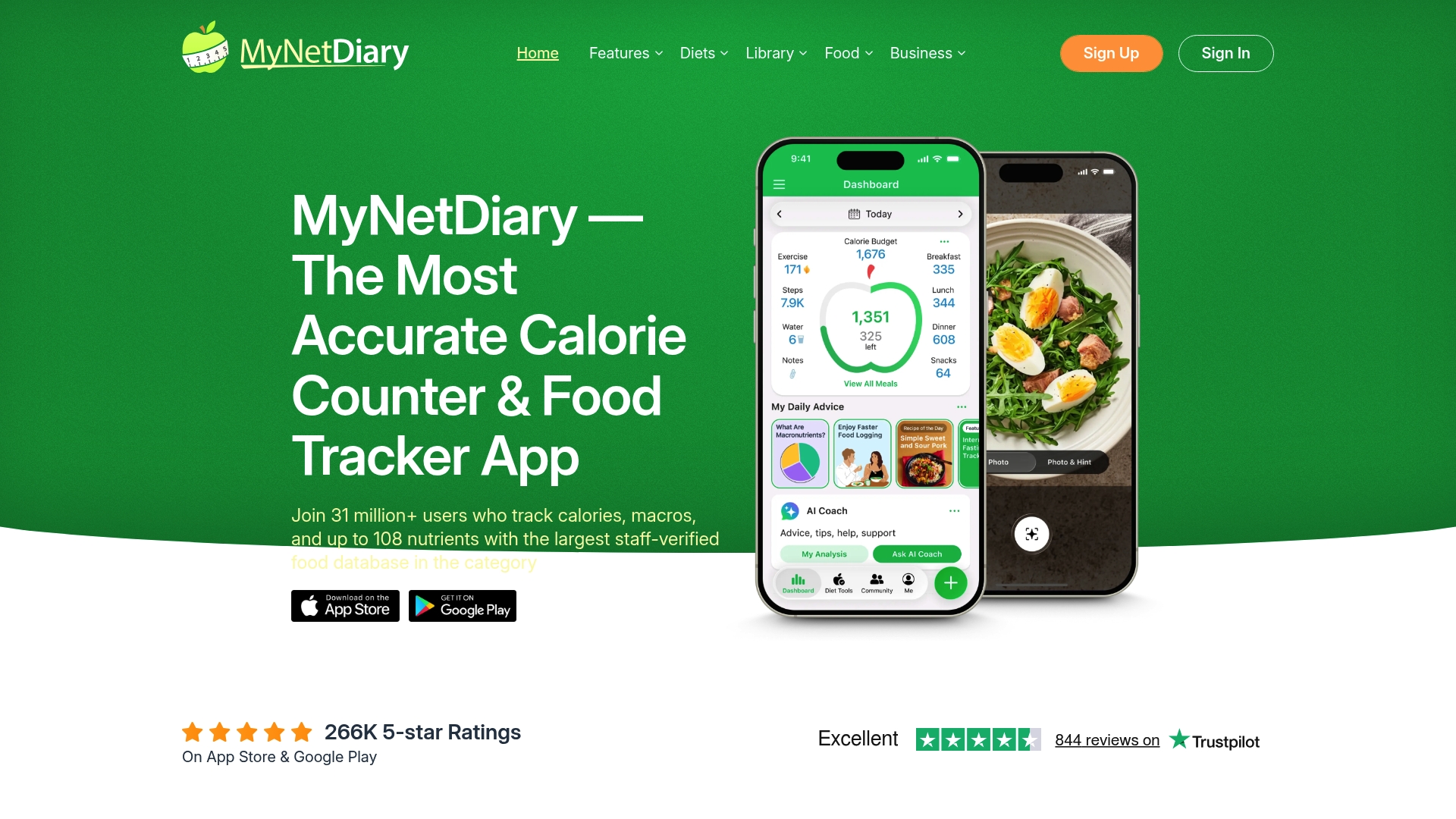
MyNetDiary reports a staff-verified food database with over 2 million entries. That scale supports detailed nutrient labels and faster lookup when you log meals.
The app tracks up to 108 nutrients per food item and offers photo and voice logging driven by AI-powered food logging. The free tier includes a barcode scanner and an ad free diary.
Core Features
MyNetDiary combines a large verified food catalog with multiinput logging options and meal planning tools. You can log by photo, voice, barcode, or manual entry while the app aggregates calories, macros, and micronutrients for trend reports.
Device integration and Apple Watch support sync steps, water, and exercise so your nutrition view joins other health metrics.
Key Differentiator
The defining angle is the combination of a staff-verified database and nutrient depth. Tracking dozens of micronutrients per item lets you spot specific vitamin or mineral gaps that typical calorie counters omit.
This depth pairs with fast logging tools so you do not trade detail for convenience.
Pros
The verified database reduces erroneous entries and improves label reliability when you log packaged foods. The app reports a very large catalog, which shortens lookup time for many common items.
Free features include calorie and macro tracking, a barcode scanner, and an ad free food diary, so basic tracking works without a subscription. The photo and voice logging speeds up daily input and lowers friction.
Device integrations with Apple Health, Fitbit, and Garmin keep nutrition and activity aligned. Built in meal plans and GLP 1 medication tracking add clinical relevance for people managing conditions.
Cons
Premium features require a subscription, and some third party reviews mention that costs can feel high for individual coaching and advanced reports.
The database size can overwhelm new users when many similar entries appear for a single food. This increases the learning curve.
Staff verification limits community sourced entries, which may omit niche or very new products that community databases catch faster.
When It May Not Fit
If you want a free app with every advanced report unlocked, this is not the right choice. The best value demands willingness to subscribe for personalized coaching and in depth analysis.
If you prefer a community driven food list with many local or artisanal items, the staff verification model may leave gaps for niche products.
Notable Integrations
MyNetDiary connects to Apple Health, Fitbit, Garmin, Withings, Health Connect, and Apple Watch. These links allow automatic step and weight syncing and help combine activity with nutrient data for a fuller picture.
Who It’s For
People who want accurate nutrient breakdowns beyond macros will benefit most. This includes dieters, people managing chronic conditions such as diabetes, and health professionals who need detailed food composition for clients.
The app suits those who value fast logging and device sync over community recipe sharing.
Real World Use Case
A person with diabetes logs meals by photo on their iPhone. The app matches the meal to a verified entry, records micronutrients, and syncs medication notes for GLP 1 tracking. Weekly reports highlight trends in carbohydrate and sodium intake for clinician review.
Pricing
Freemium model. Core features are free and include barcode scanning, photo logging, and the food diary. Premium features, premium recipes, and individualized reports require a subscription.
Website: https://mynetdiary.com
Comparison of alternatives
Bimi differentiates itself by focusing on precise micronutrient tracking paired with photo-based food identification. Competitors such as Cronometer and MyNetDiary offer additional benefits tailored to varying user needs and workflows.
Micronutrient coverage depth
Bimi provides reporting on over 60 nutrients, expanding beyond macros into detailed amino acids and fatty acids. Contrastively, MyNetDiary tracks up to 108 nutrients, offering significant breadth for those monitoring a specific set of metrics. Cronometer excels in presenting lab-analyzed micronutrient data, enhancing trust in the reported information.
Integration with health ecosystems
Cronometer connects with numerous health and fitness services including Apple Health, Fitbit, and Garmin. This makes biometric and activity data instantly accessible, which MyNetDiary also manages but with less diversity in connections. Bimi lacks such integration options, focusing primarily on device-localized analytics.
Best fit
Readers tracking complete micronutrient profiles with ML-based tools may prefer Bimi.
Individuals wanting integrations with biometrics and activity metrics could favor Cronometer.
People managing conditions requiring detailed breakdowns may find utility with MyNetDiary’s system.
Our pick
Bimi stands out for its unique photo-based recognition paired with precise micronutrient analysis, simplifying meal documentation. However, it may feel limiting for those requiring integrations into broader biometric platforms or expansive nutrient databases.
Compare these nutrient monitoring tools to determine the option best suited for your dietary tracking needs.
Tool Name | Key Feature | Target Users | Pricing | Notable Limitation |
Bimiapp | Photo-based nutrient recognition with amino acids | Health-conscious individuals tracking nutrients | Free | Some site features are unavailable |
Cronometer | Lab-analyzed nutrient database | Dietitians and individuals managing conditions | Free, $4.99/month Gold | Premium features require an ongoing subscription |
MyNetDiary | Staff-verified database with GLP-1 medication tracking | Diabetics and users valuing verified databases | Free, subscription for premium features | Database size may overwhelm new users |
Struggling to Track Nutrients Beyond Calories?
Many health-conscious individuals find it hard to monitor their micronutrients deeply while avoiding tedious logging. You want clear insights on amino acids, vitamins, minerals, and fatty acids without losing time. Bimiapp simplifies this by using AI to identify foods from photos and estimate portions quickly. It tracks over 60 nutrients and offers personalized recommendations based on your age, weight, BMI, and activity level.
Capture meals with photos instead of typing
Analyze detailed nutrient reports to find gaps
Store and review your history in the Meals Vault
See how Bimiapp supports people seeking micronutrient clarity and makes nutrient monitoring effortless. Visit Bimiapp.info to start generating nutrient reports from your meals and compare trends weekly.
FAQ
How does Bimiapp support deep nutrient tracking?
Bimiapp provides a detailed nutrient report that includes amino acids and fatty acids, extending beyond just macronutrients. It combines photo-based food recognition with comprehensive nutrient analysis to identify ingredients and estimate portion sizes. Expect a thorough understanding of your food’s nutrient content, helping you achieve balanced nutrition.
What is the difference between Bimiapp and Cronometer?
Cronometer has a strong focus on lab-analyzed nutrient data, ensuring accurate and verified entries for detailed micronutrient tracking. Bimiapp is advantageous for individuals who prefer taking photos of their meals over manual logging, turning meal imagery into multi-nutrient reports. Choose based on whether you prefer photo logging or a verified nutrient database for your needs.
Can I use Bimiapp if I’m tracking my dietary deficiencies?
Bimiapp is tailored for those monitoring micronutrient levels, as it identifies specific gaps like vitamins and minerals in your diet. It helps you find nutrient deficiencies that typical trackers might overlook. You can rely on its detailed nutrient reports to inform dietary adjustments effectively.
What features does Bimiapp offer for tracking personalized nutrition?
Bimiapp generates personalized recommendations based on your age, weight, BMI, and activity level. This customization helps align nutritional advice with your health profile. Users can expect tailored insights that adapt to their unique dietary needs.
What are the limitations of Bimiapp’s functionality?
Several pages and features of Bimiapp are currently inaccessible due to broken links on the website, which can hinder full feature discovery. Make sure to check that all necessary features are functioning as expected to ensure a smooth user experience.
Recommended
Comments